Getting started
An introduction to building AI-powered virtual assistants with Virbe.
What is Virbe?
Your virtual being is the AI-powered assistant you create with Virbe. It can speak and listen, answer questions, guide users through processes, look up data, and react to what's happening around it in real time.
You build and manage everything from the Virbe Dashboard: set up the AI engines that power the conversation, design the logic that governs what the assistant says and does, and publish it to wherever your users are – a website, a physical kiosk, or both.
No coding is required for the core workflow. The Conversation Editor is a visual, node-based tool. Developers can go further with the API and custom integrations.
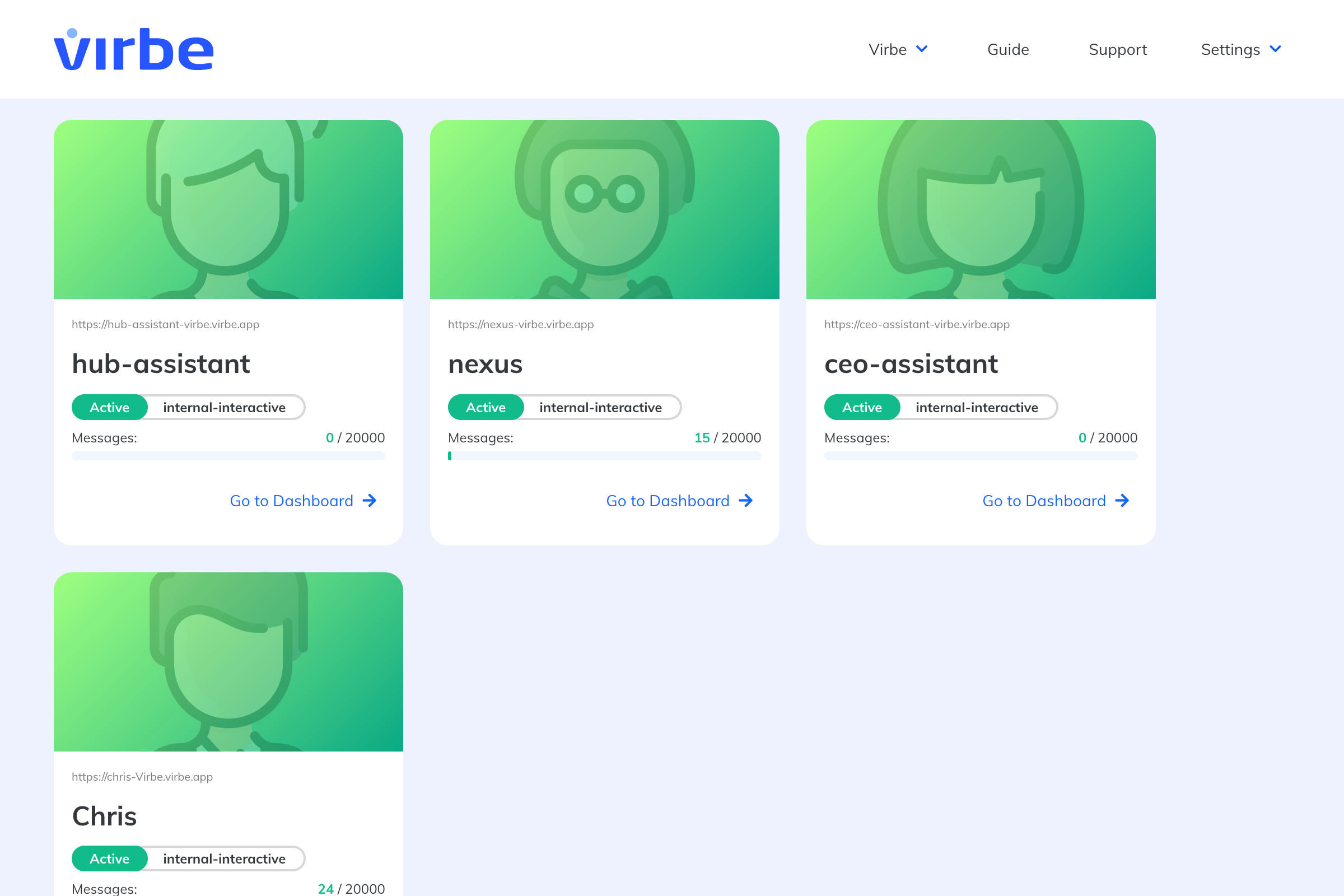
You start from the Hub – your organization's home screen listing all your Dashboards.
How a conversation works
When a user sends a message to your virtual being, here's what happens behind the scenes:
- Speech recognition converts voice to text (if the user is speaking)
- A Handler pre-processes the message – detecting language, checking context, deciding how to route it
- The message enters a Conversational Flow, where nodes define the response – whether that's an AI-generated answer, a set of buttons, a data lookup, or something else
- The response is sent back and text-to-speech converts it to audio if needed
All of this logic lives in the Pipeline – the heart of the Conversation Editor. You design the Pipeline visually, test it in real time, and publish it to your deployment touchpoints.
What you build with
| Component | What it does |
|---|---|
| Personas | The identity, avatar, and voice of your virtual being |
| Knowledge Base | Documents and collections the assistant can draw on for answers |
| Configurations | The AI and speech engines powering the conversation |
| Conversation Editor | The visual Pipeline where you design conversation logic |
| Profiles | Deployment settings for each touchpoint (web, kiosk) |
Where virtual beings live
Virbe supports two touchpoints – the surfaces where users interact with the assistant:
- Web Widget – An embeddable chat interface for any website. Supports text and voice.
- MetaHuman Kiosk – A full-screen experience for physical installations, with a photorealistic avatar powered by Unreal Engine. Supports gesture detection, face detection, and RFID scanning.
Each touchpoint is configured through a Profile. You can have multiple profiles for different languages, regions, or contexts – all sharing the same pipeline and persona, or each with their own.