Key Concepts
The core terminology you need to understand before building with Virbe. A reference you can return to any time something's unclear.
A reference glossary for the core terminology used throughout the documentation.
Virtual Being
A virtual being is the AI-powered assistant you build with Virbe. It has an identity (Persona), a conversational brain (Pipeline), and one or more deployment surfaces (touchpoints). Users interact with it through voice or text.
Dashboard
A Dashboard is a workspace for a single virtual being. It contains all the configuration, conversation logic, knowledge, and deployment settings for that assistant. You can have multiple Dashboards in one Hub – for different use cases, brands, or departments.
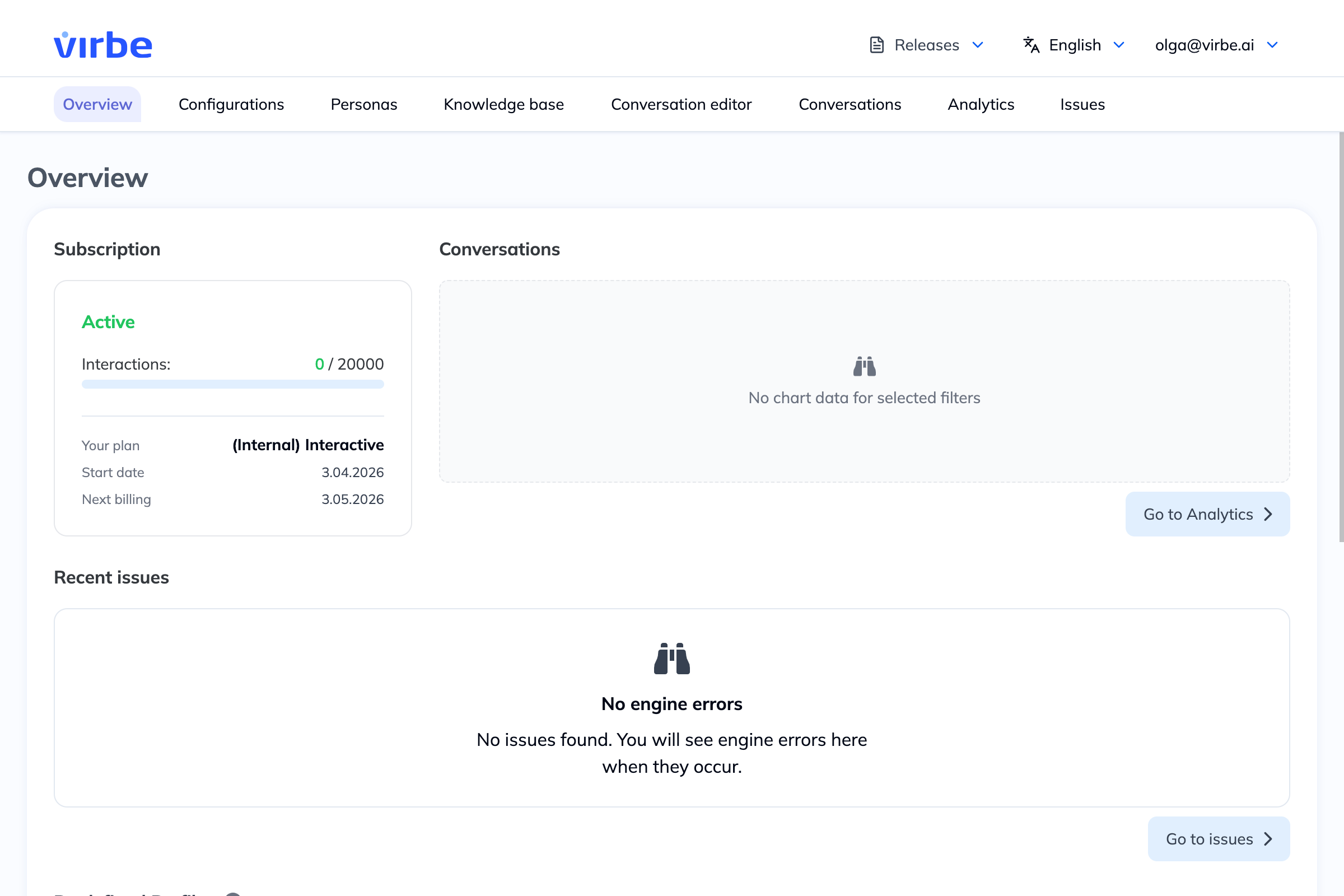
Hub
The Hub is your organization's top-level workspace in Virbe. It contains all your Dashboards, team members, and billing settings.
Persona
The Persona defines the identity and appearance of a virtual being: name, age, role, biography, avatar type, and voice. The persona's bio is used as context when the AI generates responses, shaping tone and personality.
Profile
A Profile is the configuration for a specific deployment of a virtual being – it ties together a Persona, a Conversational Engine, speech settings, and a touchpoint (web or kiosk). One Dashboard can have multiple profiles: for example, a customer support web widget profile and an in-store assistant kiosk profile.
Profiles also control which version of the Pipeline is live, and include the embed code or app settings for the touchpoint.
Touchpoint
A touchpoint is the surface where users interact with the virtual being. Virbe has two:
- Web Widget – a chat interface embedded on any website
- MetaHuman Kiosk – a full-screen, photorealistic avatar for physical installations
Pipeline
The Pipeline is the complete conversational logic of a virtual being, built inside the Conversation Editor. It's made up of four components – Handlers, Conversational Flows, Automations, and Variables & Signals – that work together to process every message and produce a response.
Handler
A Handler is an event-driven pre-processor. It runs before any Conversational Flow when a specific system event occurs – a user message arrives, the language changes, a conversation starts or stops, or a face is detected by the kiosk camera.
Handlers inspect and optionally modify the context, then either pass control to the Conversational Flows (Continue Processing) or stop execution entirely (Abandon Processing).
Conversational Flow
A Conversational Flow is a directed graph of nodes – the main logic of the conversation. Flows define what the virtual being says, what actions it takes, and how it branches based on user input or conditions. Flows are activated by Handlers and can call each other.
Node
A node is a single step in a Conversational Flow or Handler. Each node performs one action, for example: sending a text response, asking for user input, making an API call, evaluating a condition, routing to another flow, and so on. Nodes are connected together visually on the canvas.
Automation
An Automation is a background flow that runs automatically at a lifecycle event – not triggered by user input. The most common use is at conversation end: generating a summary, creating a title, or logging data. Automations can run silently without generating visible responses.
Variable
A variable is a named, typed value that can be stored and read across nodes within a pipeline. There are two kinds:
- User variables – persist across conversations for the same end user (makes sense primarily for web widget touchpoint)
- Conversation variables – exist only for the current session
Variables are referenced in node fields using the syntax {{variable.key}}.
Signal
A Signal is a named event that can be fired and listened to within the pipeline. Four signals are predefined and map to the conversation lifecycle (conversation-start, conversation-stop, conversation-language-change, face-detected). Custom signals can be created for specific use cases and used with the Route by Signal and Signal Handler nodes.
Conversational Engine
The conversational engine is the AI backend that powers the virtual being's responses. Virbe supports several: DifyAI, OpenAI Assistant, and Custom Endpoint (bring your own HTTP endpoint). Engines are configured under Configurations and assigned per Profile.
Knowledge Base
The Knowledge Base stores documents and collections with information that the virtual being can draw on when answering questions, using retrieval-augmented generation (RAG). It's enabled per-node via the Tool Agent node.
Version
Every Pipeline has versions. The version you're editing is the Draft. Publishing makes the Draft the Active version – the one users interact with. Previous active versions become Retired and can be restored. Depending on the subscription level, it is possible to assign a Draft to a specific Profile for testing before publishing broadly.